top of page

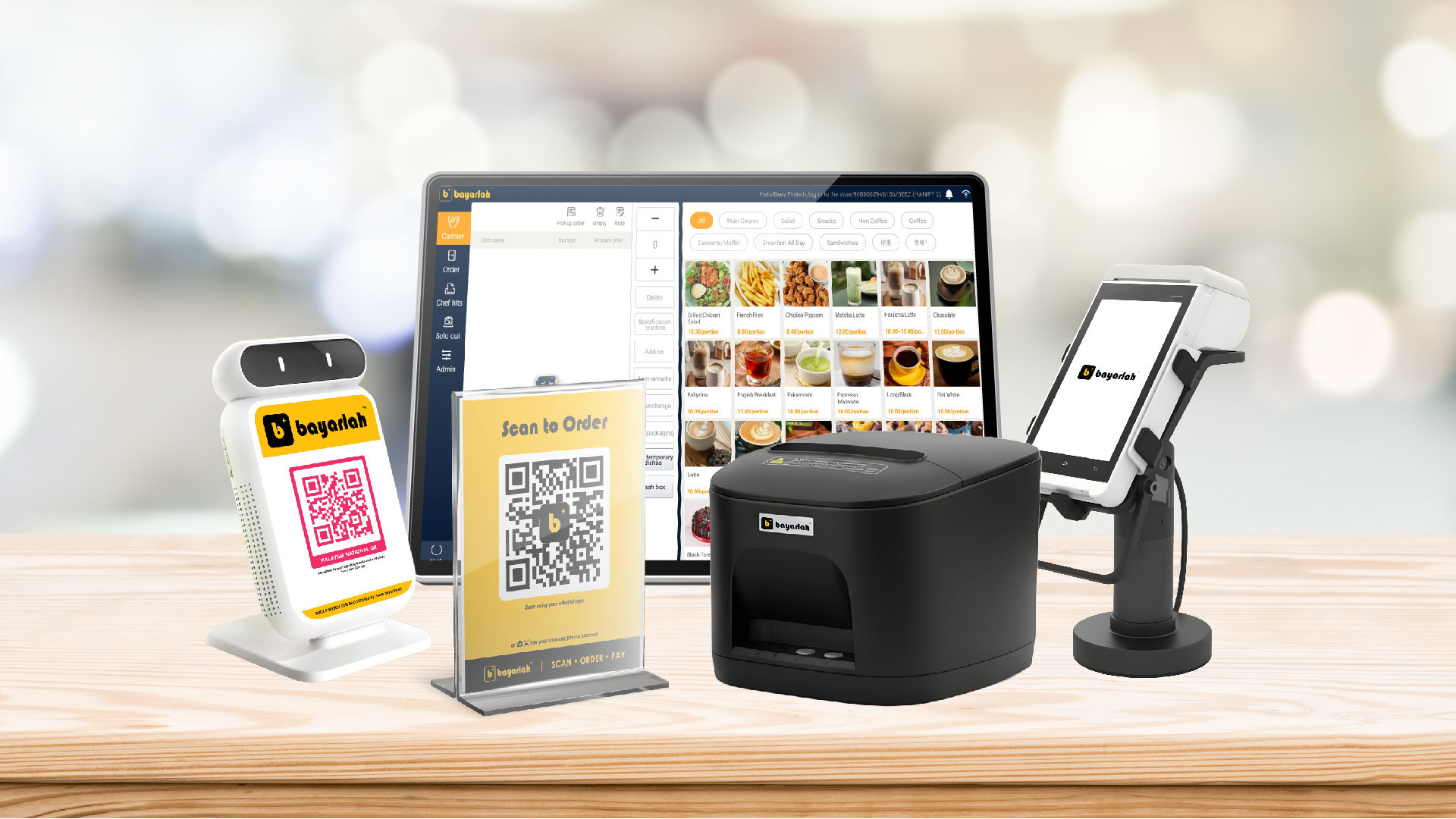
Smart Store Merchant Hub
Your one-stop guide to mastering smart store and cashier operations simple, fast, and efficient.
Smart Store

Click the video below to learn how to set up your Smart Store
Menu Center
Menu Management
Promotion
Add-On Settings
Flavor
Required Items
Inventory Management
Packaging Fee
Order Center
Orders
Ordering & Cashiering
Call for Pickup
Dual Screen Settings
POS Settings
Payment Method
Remarks Management
Store Management
Business Settings
Scan-to-Order
Table & Ordering QR
Receipt Template
Smart Store Settings
Tax
Service Charge
Required Items
Inventory Management
Packaging Fee
Orders
Call for Pickup
Dual Screen Settings
POS Settings
Payment Method
Remarks Management
Business Settings
Scan to Order
Table & Ordering QR
Receipt Template
Smart Store Setting
Tax
Service Charge
Add-on Settings
Flavor
Promotion
Menu Management

Cashier App Guide
Learn how to manage items, checkout, and orders effortlessly.
Login
Item Checkout
Table Checkout
Login the bayarlah cashier app.
Add items to the cart and process individual orders quickly.
Manage dine-in tables and track pending orders.
Table Checkout
Login
Item Checkout
Order
Scan Order
Sold Out
Customer make an order from Scan Order QR
Order
Sold Out
Track all orders and payment details in one place.
Mark unavailable items and manage inventory updates.
Scan Order
Admin
Shift/Exit
Control app settings, user roles, and store configurations.
Handover the shift and log out the account
Admin
Shift/Exit
Smart Printer — Quick Start
Start printing in 4 simple steps:


1. Install Paper Roll
Open the printer’s top cover, place the 80mm thermal paper roll inside, pull out a small section, and close the cover.
2. Insert SIM Card
Locate the SIM card slot on the printer. Position the SIM card with the chip facing down, then gently insert it until it fits securely.


3. Power On
Plug in the power adapter and press the Power button until the green status light appears.
4. Start Printing
Send print tasks from your POS system or app. Make sure the paper is loaded correctly for smooth printing.

Still unsure after watching the video?
Book your training session today and discover how to manage and optimize your smart store effortlessly.
1 jam
200 Ringgit Malaysia


bottom of page